

Let's make a P2 hardware cookbook
 Andrey Demenev
Posts: 428
Andrey Demenev
Posts: 428
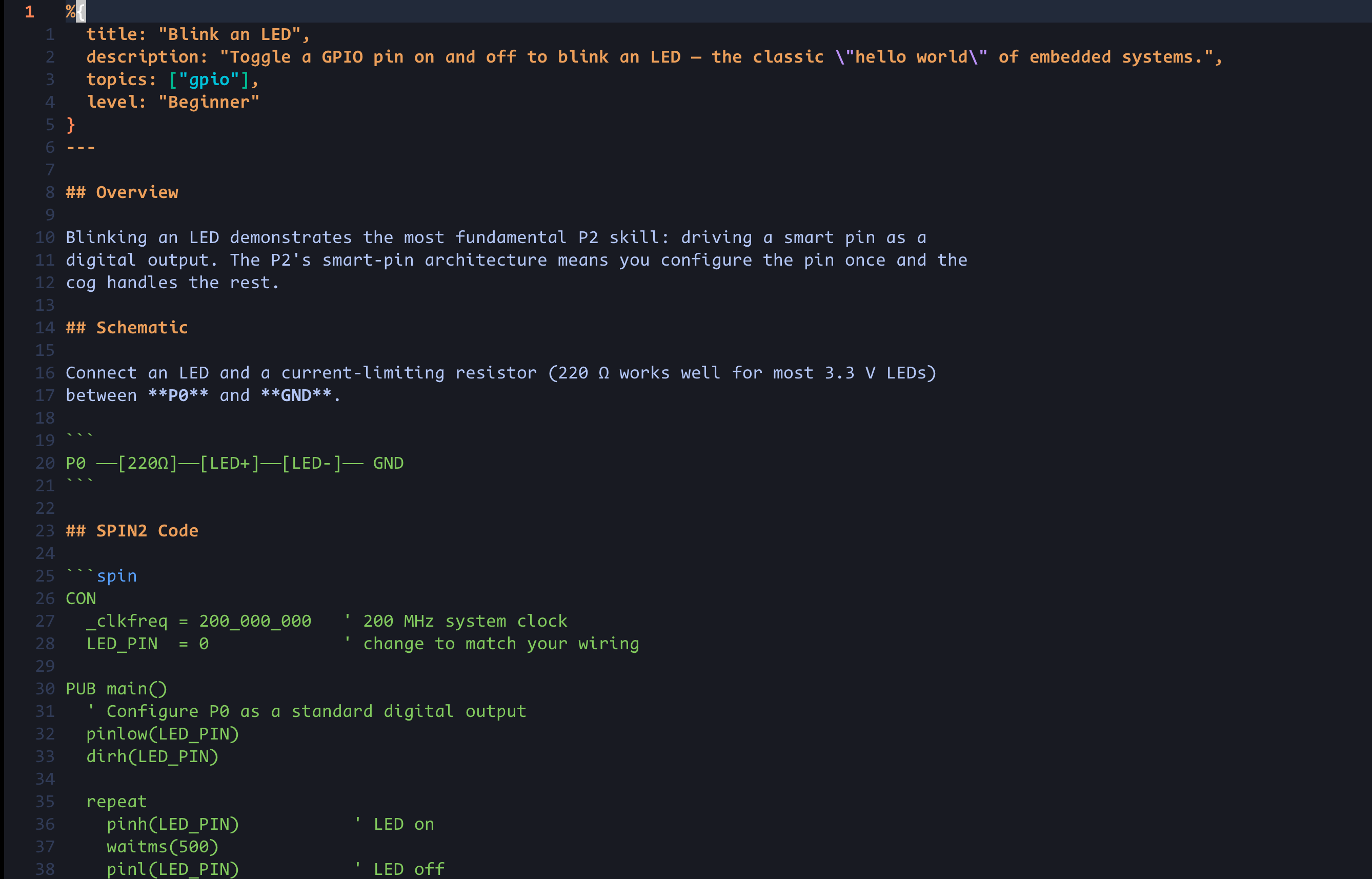
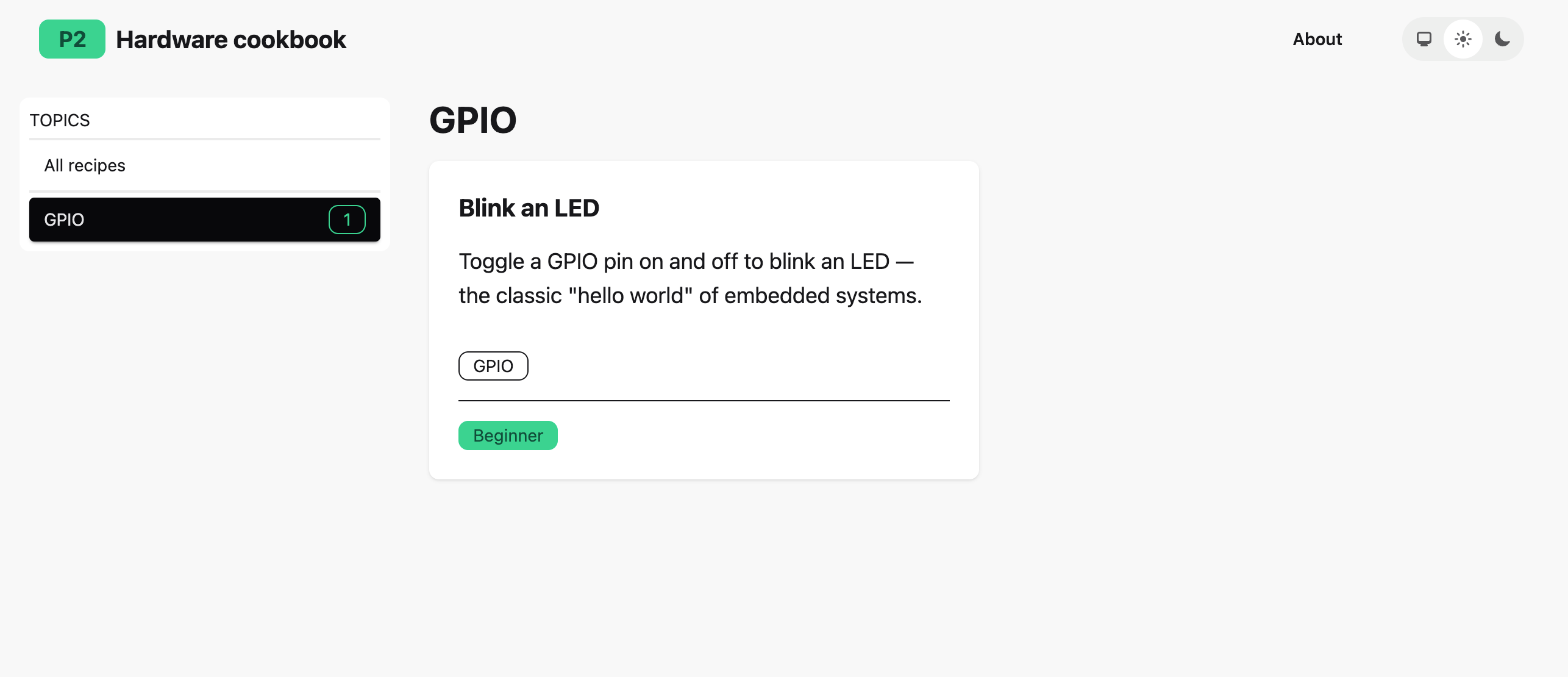
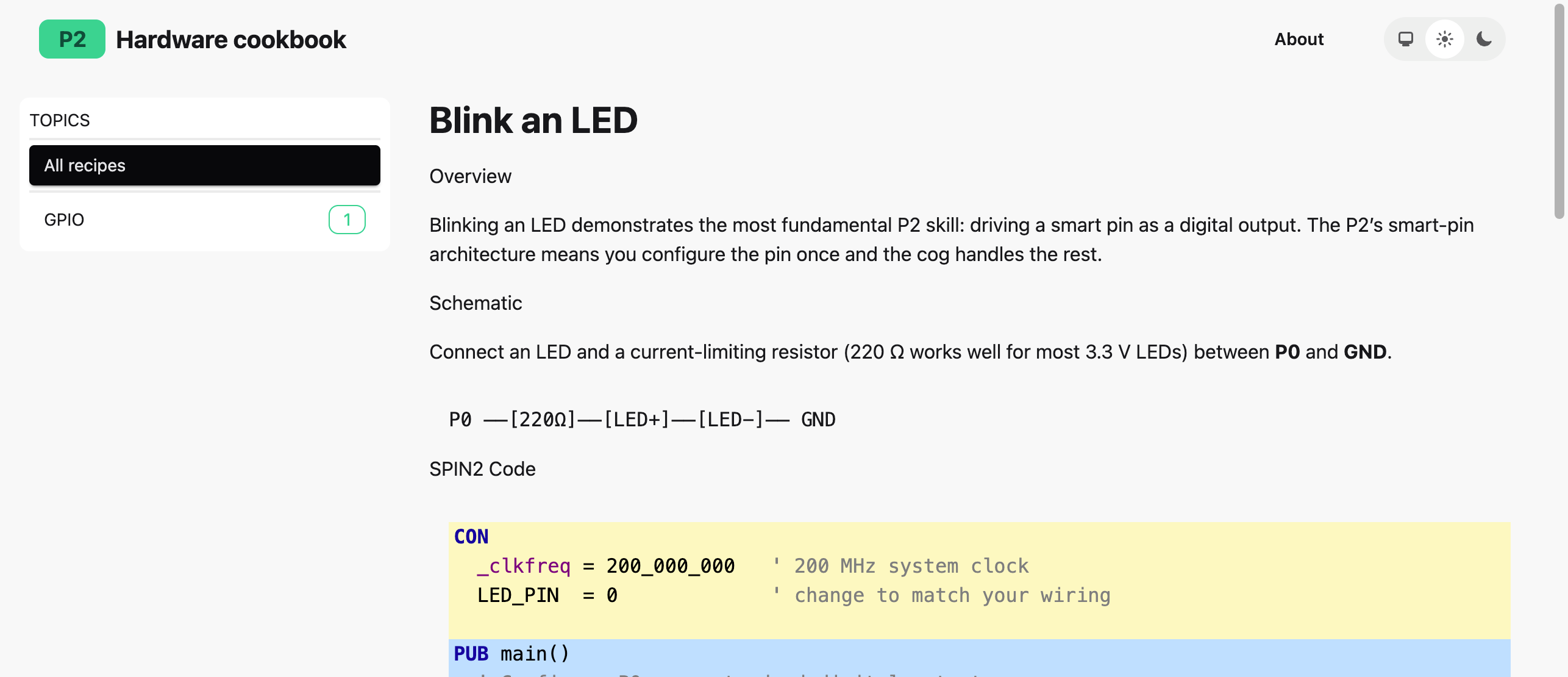
I started putting together a simple web site that will serve as a community maintained Propeller 2 hardware cookbook.
The idea is this: a git repository with a bunch of markdown files, each file being a recipe. Recipe can belong to one or more topics and a difficulty level. There is some code that converts the file into a site where visitors can browse the recipes by topic and/or difficulty. Contributors can fork the repository, add recipe(s) and submit a pull request
I am just getting started, the site is not available online, I just want to validate the idea. Please let me know if you think this can be useful, and more importantly if you would contribute.
Comments
I like your idea. I'm constantly reminding my new/inexperienced programming friends to just "play" with small experiments and small bits of hardware -- it all adds up in the end.
BTW, with the pin functions in the P2, you don't have to set the dir bit -- it's handled by the function.
Also, newcomers might be confused by the schematic having two boxes marked LED. May I suggest:
Ada created a neat website for P2 assembly instructions that allows one to type and find -- it's very convenient. That kind of site with small examples for instructions would be excellent for new Spin2 programmers.
-- https://p2docs.github.io/
I wonder... can you have multiple code sections so that you can move from verbose to refined?
If I may, I'd like to see a little more whitespace in listings. It costs nothing and aids readability.
Very small contribution attached. This shows three iterations of the same button input program. I don't know the rules of the mark-up language you're using so I just tried to mimic what you did in your example.
@JonnyMac Thanks
I am not ready to add actual recipes yet, I want to make the app first. Actually, that single recipe I have was ai generated, I just needed something that looks realistic, not necessarily correct or polished
Yes, absolutely. As many code sections as needed.
Maybe a web version of something like this:
https://forums.parallax.com/discussion/175417/
There are already so many places where some information might be hidden for P2. Isn't it possible to use obex or the forum? Perhaps a new category has to be implemented?
I am not sure if any of these are good for the goal. OBEX requires downloading and unzipping. Forums are not convenient in terms of search, navigation and categorization.
Long time ago, I started using CMapTools to build a path through the jungle of information, starting here: https://cmapspublic3.ihmc.us/rid=1181572927203_421963583_5511/PropellerRoot.cmap Meanwhile, there exists a web based cloud app, I didn't use up to now. Maybe now is the time to give this a kick.
I have put the server online at https://p2cookbook.fivedotmark.com/
the repo is here: https://github.com/Five-Dot-Mark/p2cookbook
In the example code you have dirh(LED_PIN) -- that is not a valid Spin2 keyword. The pin functions set the direction bit for the pin(s) automatically.
If you test your code in Spin Tools it will point out errors without having to manually compile.
Also suggest that -- since this is intended for beginners -- that you stick with verbose names (pinhigh() versus pinh()). Regardless of which version you use, I think it's important for style to be consistent (not that it's not in the above example).
The smart pin example doesn't work. The inner workings of that mode are more complicated than the example suggests, and for beginners the smart pins should probably be avoided (in manual examples, anyway).
This is from the P2 docs
I couldn't remember using P_NCO_FREQ but when looking through my own code base found its use in IR LED modulation.
Here's a (tested) fix if you really want to include the smart pin variation:
...which can be more cleanly encapsulated in pinstart():
@JonnyMac thanks for your input
That example is just AI generated, I did not even check for correctness. For now I am more concerned with site functions like search, filtering and formatting, not the actual examples.
Okay, I'll stop bothering you. I don't think it's okay to post UNTESTED code that is targeted for beginners.
@JonnyMac You are right, I should had tested it before publishing. I have simplified that example keeping only direct pin control and removing all smart stuff, and also made other changes that you suggested. Thank you for your feedback!
I am planning to have these topics initially, a recipe can belong to more than one topic:
And also it will be possible to create links between recipes ("Related recipes")