

MIDIBEAT1: a fun P1 project, exploring RGB LEDs, MIDI, rotary encoders, 16x seven-seg LEDs....
 TonySpiner
Posts: 35
TonySpiner
Posts: 35
Hi, big shout-out to this forum!
I'm using Claude as an AI helper to develop P1 code for MIDIBEAT1.
I'll post about it here.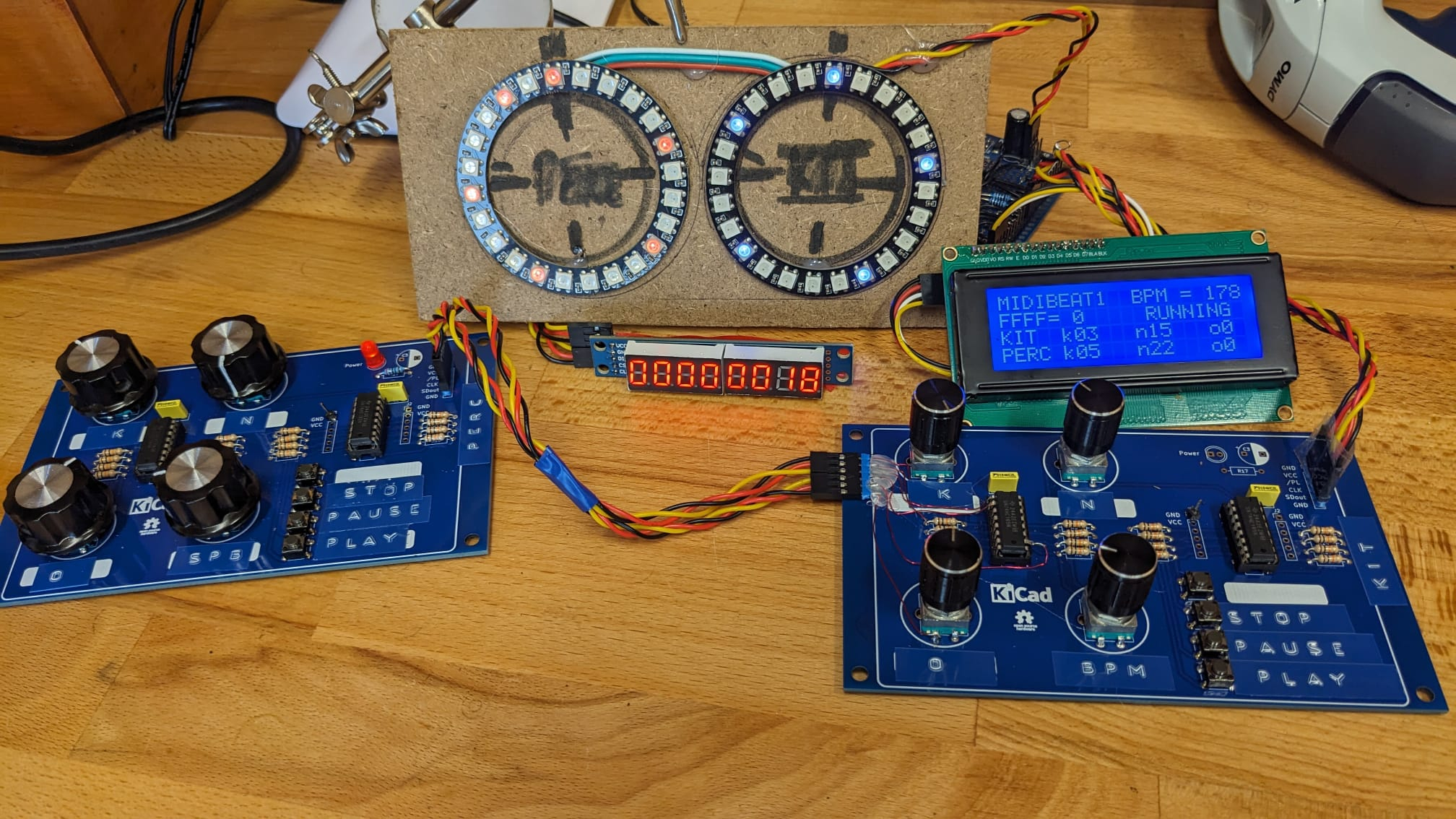
Comments
MIDIBEAT1 is my Propeller 1 MIDI/drum/beat/step/sequencer/thingy project, I'm using to learn P1 SPIN and to experement with Euclidean rhythm, as described by Godfried Toussaint.
I'm using free Claude AI to feedback on my code and help develop code for MIDIBEAT1. I have mixed feelings about AI at this moment but it seems to be working for me.
MIDIBEAT1 aims to distributes k hits across n steps as evenly as possible:
Example:
E(3,8) → a classic tresillo pattern
E(5,8) → cinquillo
A fast hit-test makes this practical in real time: (s × k) mod n < k → hit. Maybe a shadow buffer is better than real-time?
I'm now working on a simple HMI.
The amazing contributions in the Propeller1 OBEX make my tinkering possible, thank you all!
Attached is MIDIBEAT1's HMI input driver: 8_encoders_16_buttons_Claude_165.spin object.
Could be revised further but seems to work fine. Mostly created by Claude, from JonnyMac's 74HC165 code and Mark Tillotson's encoder patterns.
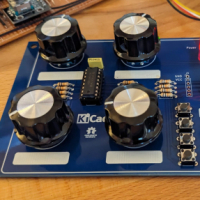
The input hardware is 8 rotary encoders and 16 push-buttons, spread across two PCBs each with 2x 74HC165 ICs, giving 32 raw digital inputs on 3 I/O pins.
Now working towards a HMI 16 digit 7-segment LED display +indicator LEDs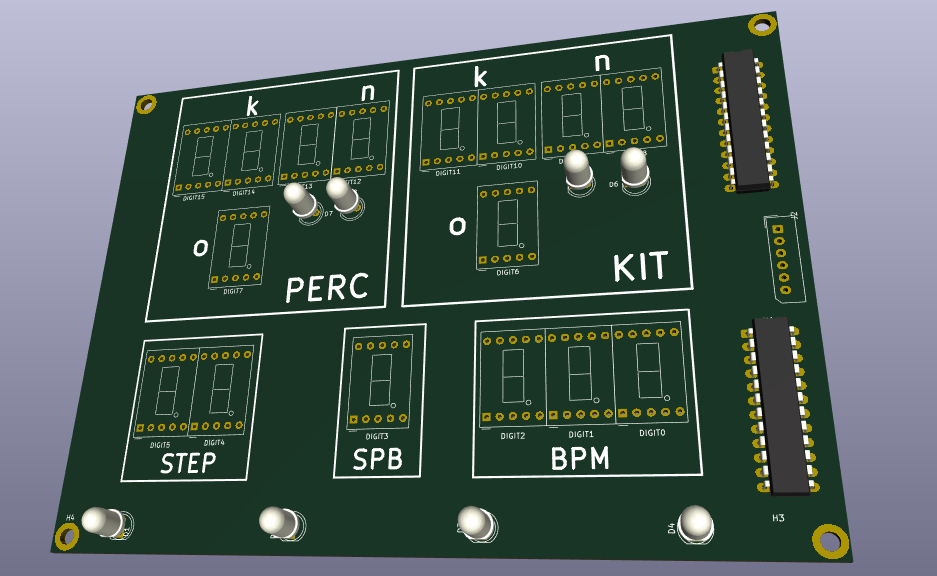
Have you considered something like a Nextion touchscreen? Easy to use, and if you don't like a design you can change it -- unlike have to layout a whole new PCB. Working with the Nextion takes just one serial cog. I use them in work and personal projects. They're easy, they're fun, and they're reasonably priced.
I'm checking the Nextion site, very interesting products.
Great tip Jon, thanks!
I'm also playing with KiCAD PCB layout, MAX7219 is nice beginner project.
I'm a fan of the MAX7219 -- been using them since my BASIC Stamp days 25 years ago.
If you decide to give the Nextion a try, I have P1 and P2 objects that make connecting to them easy with custom strings the Nextion (much easier than using their internal codes) and using text allows you to test your Nextion project with a simpler terminal.
@JonnyMac
I just received a Nextion display for another non-P2 project. Are your P2 objects available somewhere? I checked OBEX but did not find them?
Thanks
Trapperbob
Let's not hijack Tony's thread -- make a new post in the P2 section and I'll provide code for you TrapperBob.